
Understanding the Dynamic Gaussian Channel Indicator
What is it?
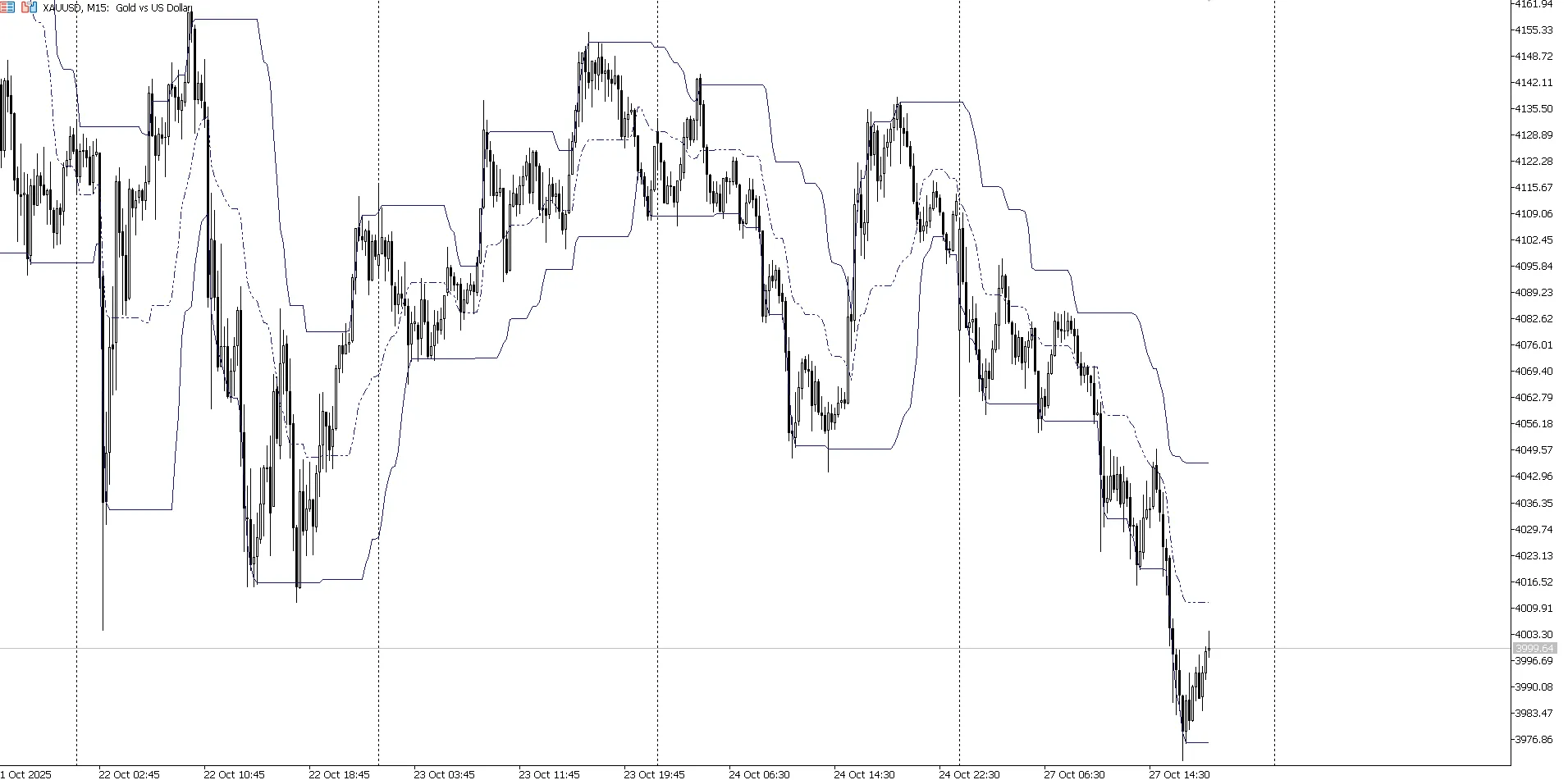
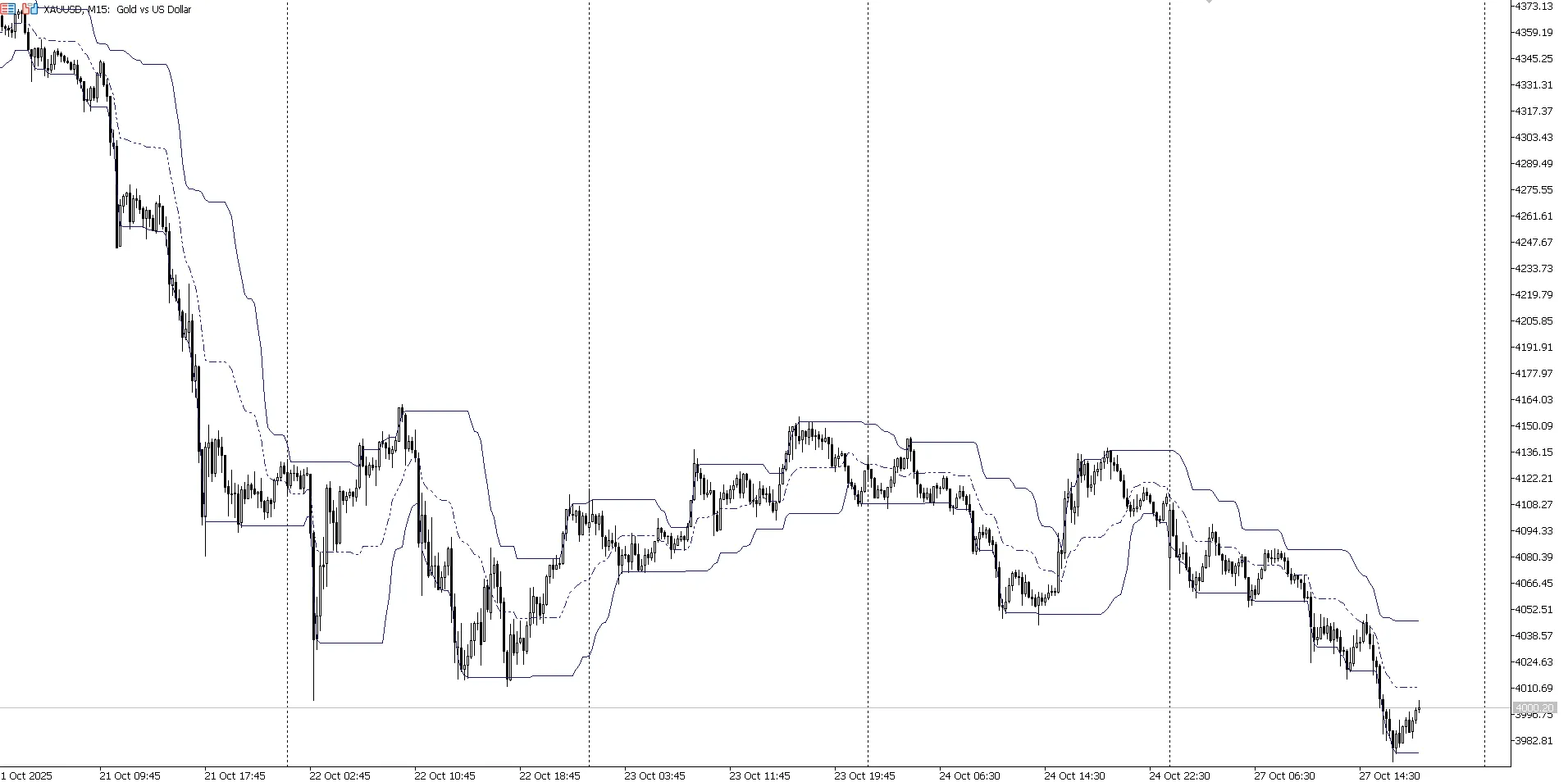
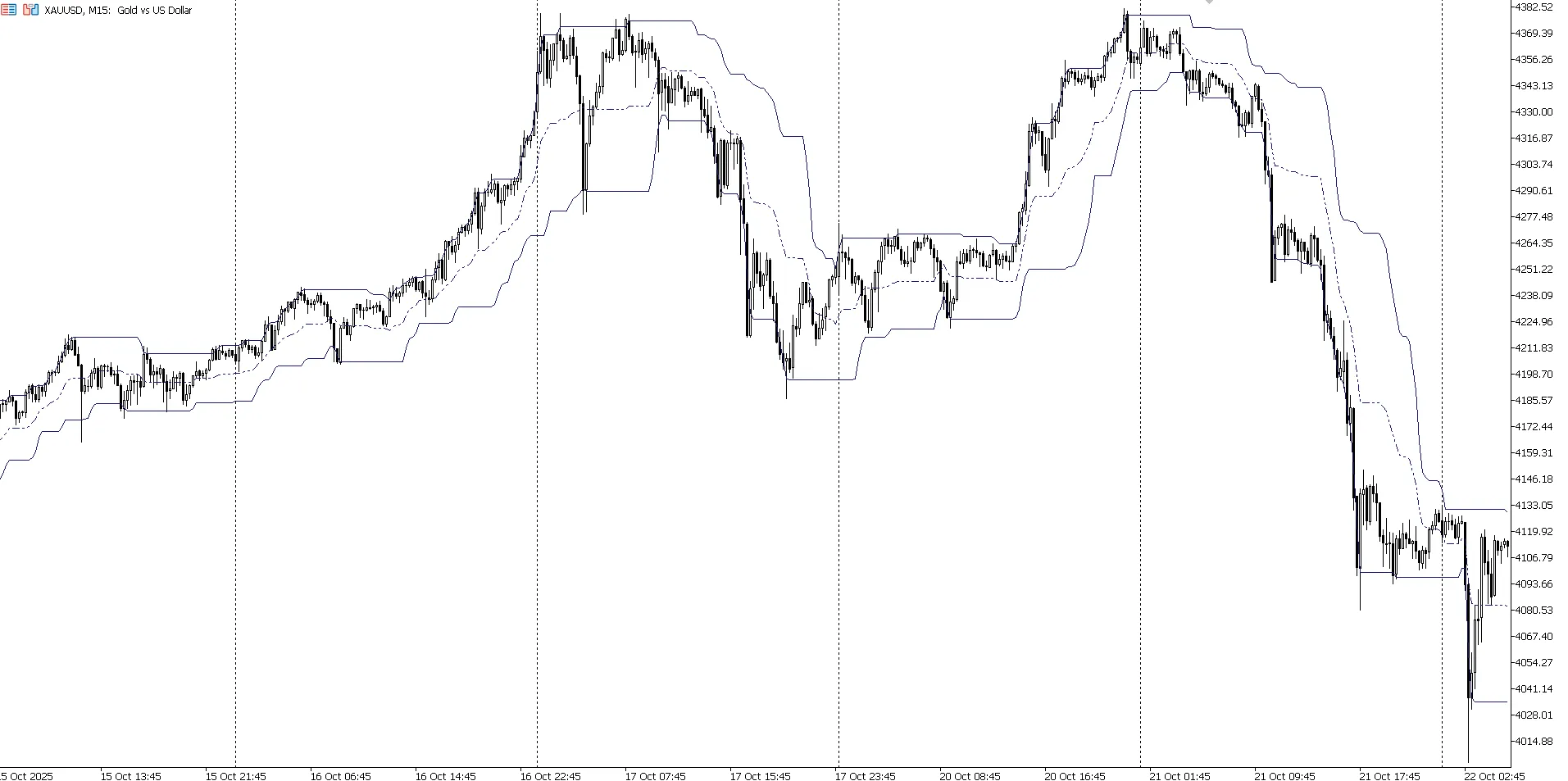
The Dynamic Gaussian Channel indicator helps traders identify shifting support and resistance levels by utilizing smoothed price data with a Gaussian filter.
Key Features
Three Distinct Lines: Resistance (DRAW_LINE), Median (DRAW_LINE), and Support (DRAW_LINE).
How It Works:
Applies Gaussian smoothing to both high and low prices
Identifies extrema over a specified period
Constructs a channel formed by the smoothed values
Customizable Settings:
Calculation period (InpPeriod)
Choose line colors and styles for each level
How It Functions
Initialization: Computes Gaussian filter weights for smoothing
Smoothing Process: Applies the filter to high and low prices
Defining Levels:
Resistance = the maximum of smoothed highs for the chosen period
Support = the minimum of smoothed lows for the chosen period
Median = the average of support and resistance
Implementation Highlights
Utilizes indicator buffers to represent the three levels
Employs a Gaussian filter with a 5-bar window
Optimized for recalculating new bars only
Compatible with various timeframes
This indicator proves invaluable for pinpointing dynamic support and resistance levels, helping traders define price channels with ease.




Comments 0